
ANY Process Demo: Manufacturing Consumption/Output - Prerequisites
In this demo script, a released production order of 10 bikes is executed. Generate this released production order before using the Manufacturing pre-configured processes.
The preparations for both Mfg. Consumption and Mfg. Output are the same. If you have already executed these steps for Mfg. Output, skip this chapter.
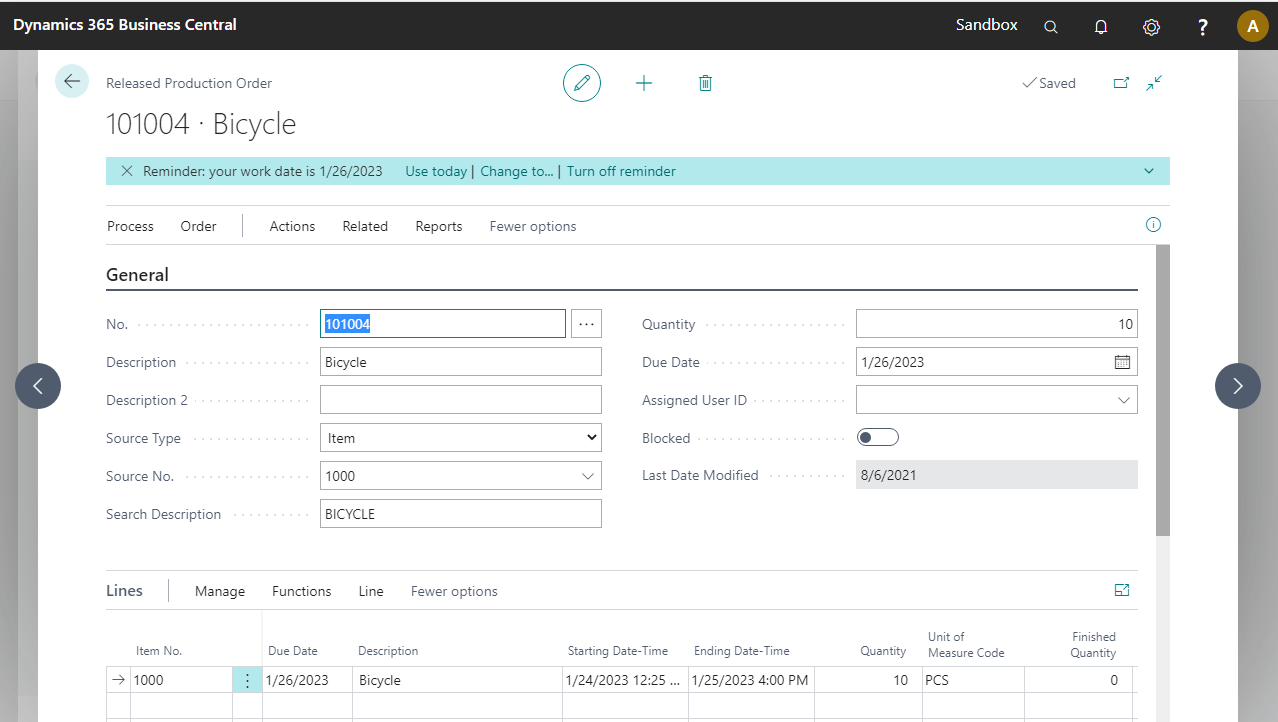
Go to the Released Production Orders page and create a new one.
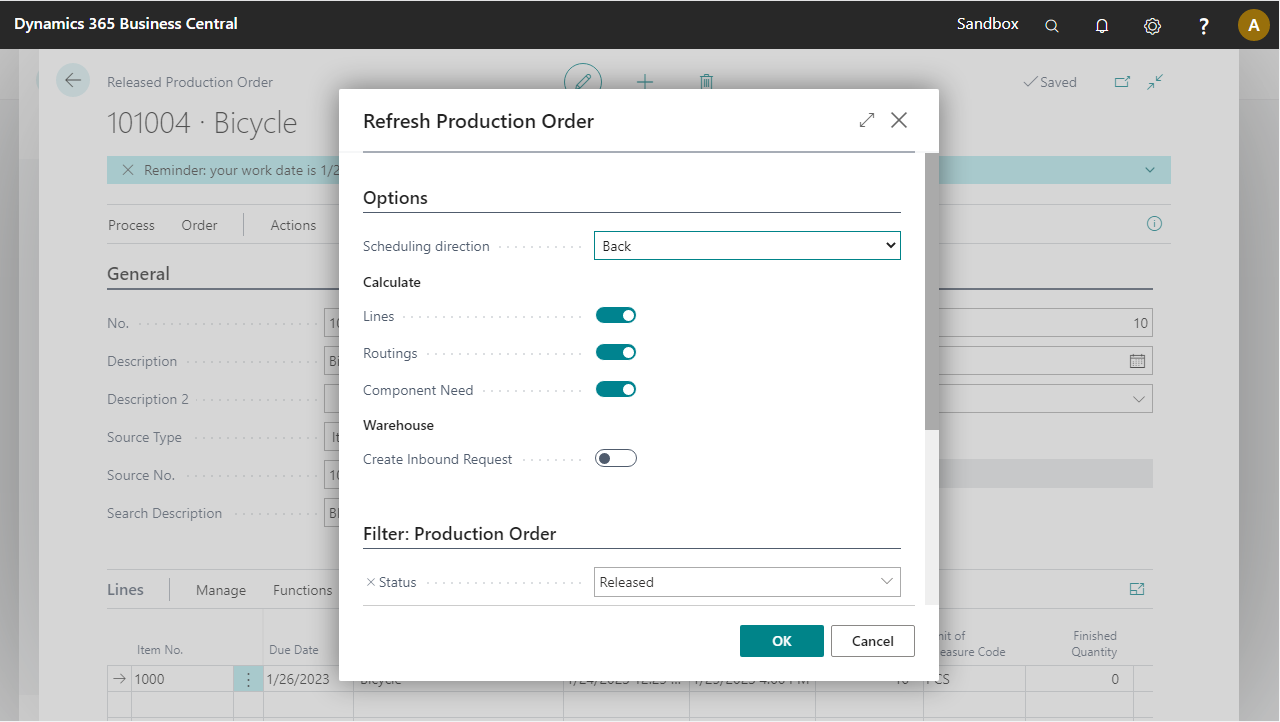
Set up the new production order for 10 pieces of item 1000 (bicycle) and select Process > Refresh Production Order.
Select OK when the popup appears.
The released production order is now ready for execution.