
Anywhere Mobility Studio Documentation
Buttons
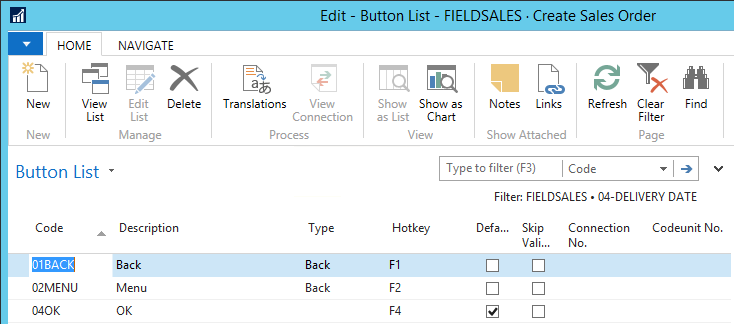
Buttons appear in the mobile client as submit buttons that submit the form back to the portal. Use buttons to configure navigation through the activity by activating the workflow. Also use them to perform trigger tasks like writing data to the database and executing code.
The following table provides links to and descriptions of the topics in this section:
| To | See |
|---|---|
| Learn more about button properties | Button properties |